Quick & simple
Paste a link, check the preview and download in just a few steps.
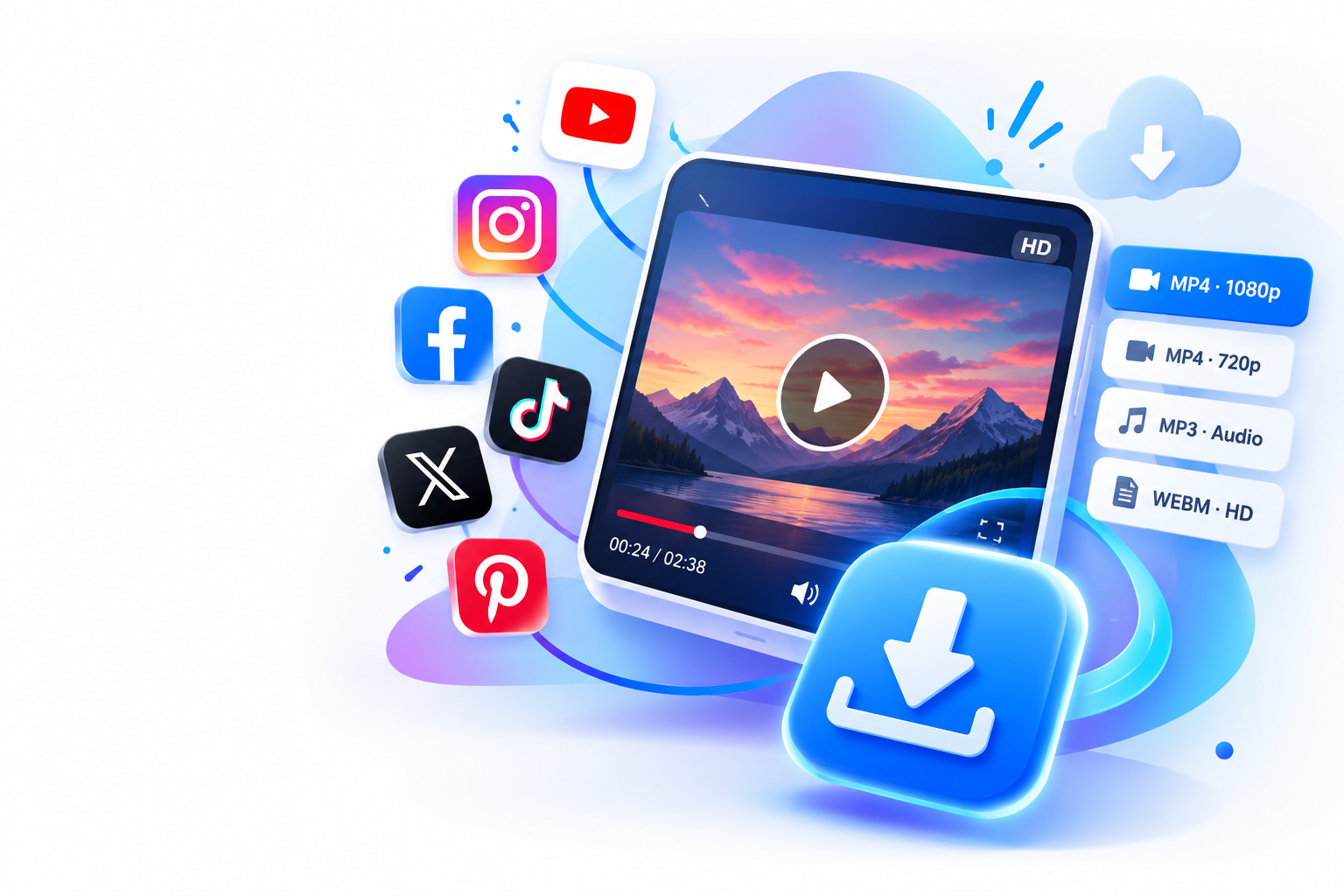
Paste a video link, preview the thumbnail, and choose an available download format. All from your browser.
Add text, music, logos and effects. Export your video as MP4, right in your browser.
Four tools for your files, one click away from the downloader.
A clean, straightforward way to go from a video link to your download.
Paste a link, check the preview and download in just a few steps.
Choose from the video formats and resolutions provided by the source.
No registration required to analyze a supported public video link.
Enjoy a comfortable experience on phones, tablets and computers.
From link to download, without the hassle.
Copy the URL of a supported public video and paste it above.
Check the thumbnail and select an available format.
Tap Download and save the video to your device.
Vid-Clips lets you download available public videos from Facebook, Instagram, TikTok and X (Twitter) directly in your browser.
Use Vid-Clips Studio to convert videos to MP4, extract MP3 audio, create GIFs up to 7 seconds and download available YouTube subtitles.